2026-11-25
How MRFQ helps you apply the EXPRO National Asset and Facilities Management Guide
The National Asset and Facilities Management Guide from the Spending Efficiency and Government Projects Authority (EXPRO) is addressed to government entities and matters to the contractors who operate and maintain their buildings. MRFQ helps you apply the practices it describes.
How MRFQ works
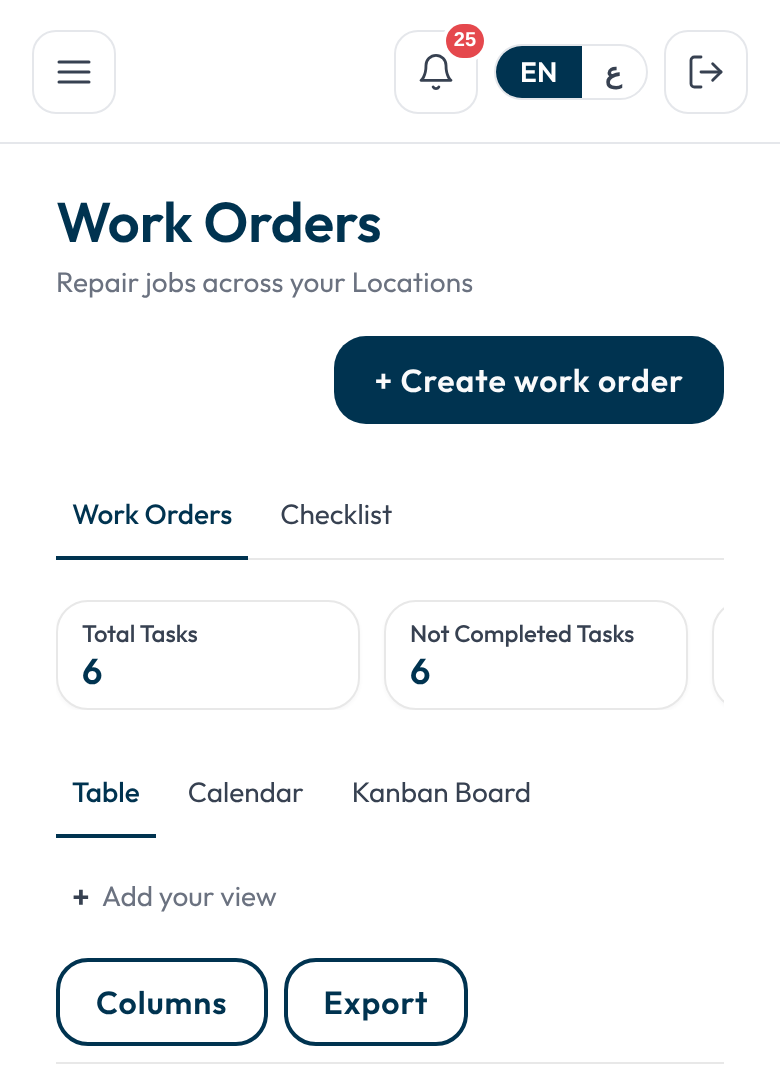
- Report by WhatsApp or QR
- Work order with number, priority and assignee
- Done with photo proof
- Record and performance reports
- Hand the record to the entity
What the guide says and what MRFQ does
| What the national guide describes | MRFQ |
|---|---|
| Scheduling preventive and corrective work (Vol. 5, ch. 20, 6.4.1) | Yes: Repeating preventive schedules that create numbered maintenance visits automatically |
| Preventive tasks (Volume 6) | Yes: A ready task library (in Arabic) you add to a schedule, with its source shown |
| A number for every work order, tracked (register 6.2) | Yes: A number per order and statuses from request to closure |
| Status changes recorded with time and reason (register 6.4.4) | Yes: Time of change, who made it and the reason where one is required |
| Asset register: purchase, warranty, expected life (register 6.4.1) | Yes: A card per asset with install date, warranty, expected life and maintenance history |
| Fault codes (register 6.4.4) | Yes: A fault code catalogue the technician picks from |
| Timely work order closure against the SLA (ch. 20, 6.7) | Yes: Response and fix targets you set per contract, plus editable templates with indicative times |
| Performance indicators from work orders (ch. 20, 6.4.1) | Yes: A KPI report calculated from system data; the entity enters what the system cannot measure |
| Spare parts (ch. 20, 6.4.1) | Yes: Spare parts stock and reorder when low |
| Auditing maintenance against the contract (ch. 20, 6.10.2) | Yes: A scorecard and penalty record that support the audit |
| The record is usually the entity's property under the contract (register 6.4.5) | Yes: Export of the account's data as CSV and JSON, with attachments |
| Permit to work (Vol. 6, ch. 11, 6.8), a technician skills register and mean time between failures | No: Not available today |
No = not available today. Three features are off by default and are switched on per account on request: the SLA templates, the KPI report and the contractor scorecard.
What we mean by helps
In the guide documents we reviewed we found nothing about EXPRO approving software, and the security systems maintenance plan (6.5) says the entity uses a computerised maintenance system or another system it approves. So we say MRFQ supports applying what the guide describes.
Try it on a real contract
- Pick the item that matters most to your entity from the table.
- Run a month of requests from an existing contract.
- Ask for the performance report and export the record.
Sources
- National Manual of Assets and Facilities Management (official page)
- Procedural guide for maintenance control (Vol. 5, ch. 20)
- Procedural guide for the maintenance register (Vol. 6, ch. 26)
- Maintenance plan for security systems in municipal facilities (Vol. 6, ch. 11)
EXPRO is an independent authority and MRFQ is not affiliated with it. Information from its official website as of 25 November 2026.
Frequently asked questions
Is MRFQ approved by EXPRO?
No, and MRFQ is not affiliated with EXPRO. In the guide documents we reviewed we found no software approval.
Does MRFQ support the National Asset and Facilities Management Guide?
MRFQ supports applying what the guide describes for preventive maintenance, work orders, the asset register, service level agreements, performance indicators and spare parts. Permit to work, a technician skills register and mean time between failures are not available today.
Who gets the maintenance record when the contract ends?
Ownership is set by the contract; the guide says the record is usually the entity's property. MRFQ lets the account administrator export the account's data as CSV and JSON with attachments.